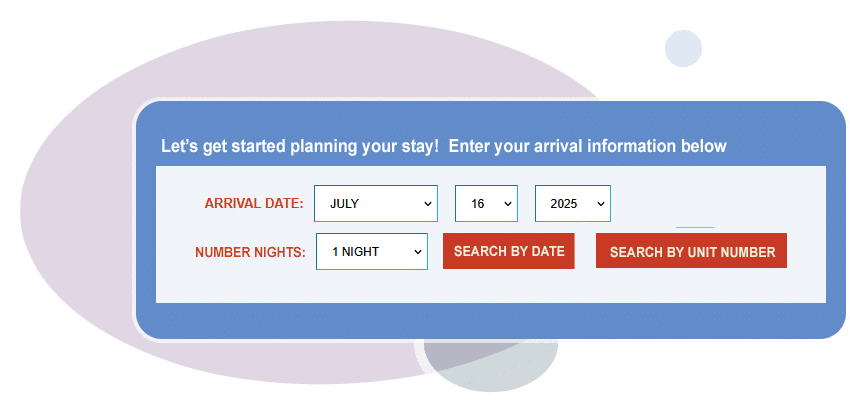
Display Options
Find the booking engine display that will work best for your property.
Whether you have a small B&B, motel or farm stay, we will help customize your booking engine to fit your specific needs.
Search & Display
Shows only rooms available for the dates searched by your guests. Includes the option to display room photos and descriptions. Available for both Basic and Premium subscribers.
See a working Search & Display example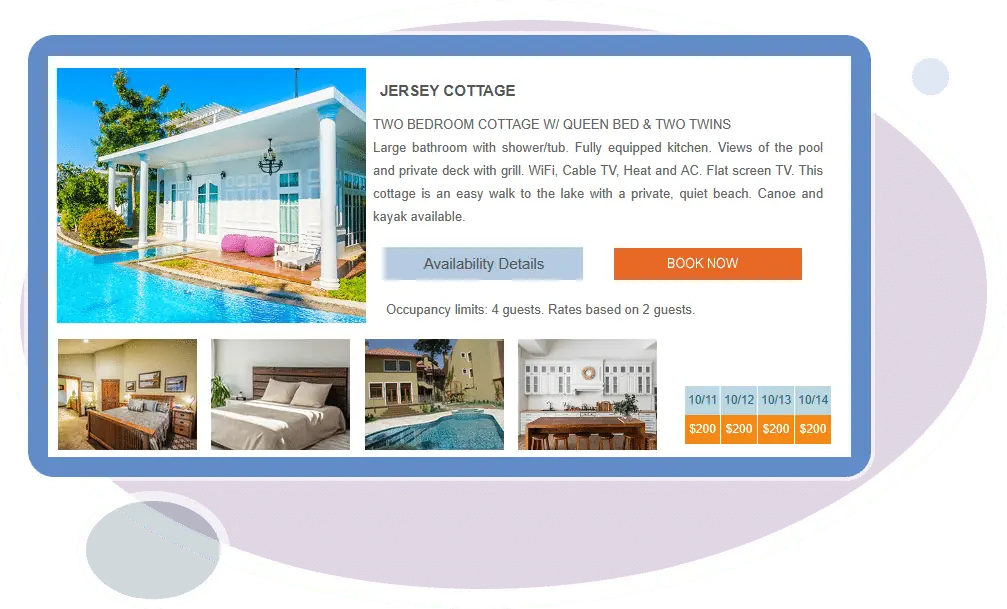
Monthly Calendars
Monthly Calendar Option #1
Show 1–24 months of availability on your web page(s). Monthly calendars can show availability for a single room or your entire property. Monthly calendars can be used on their own on your website, or in conjunction with other availability displays. Monthly calendar options are available for Premium subscribers only.
See a working monthly calendar example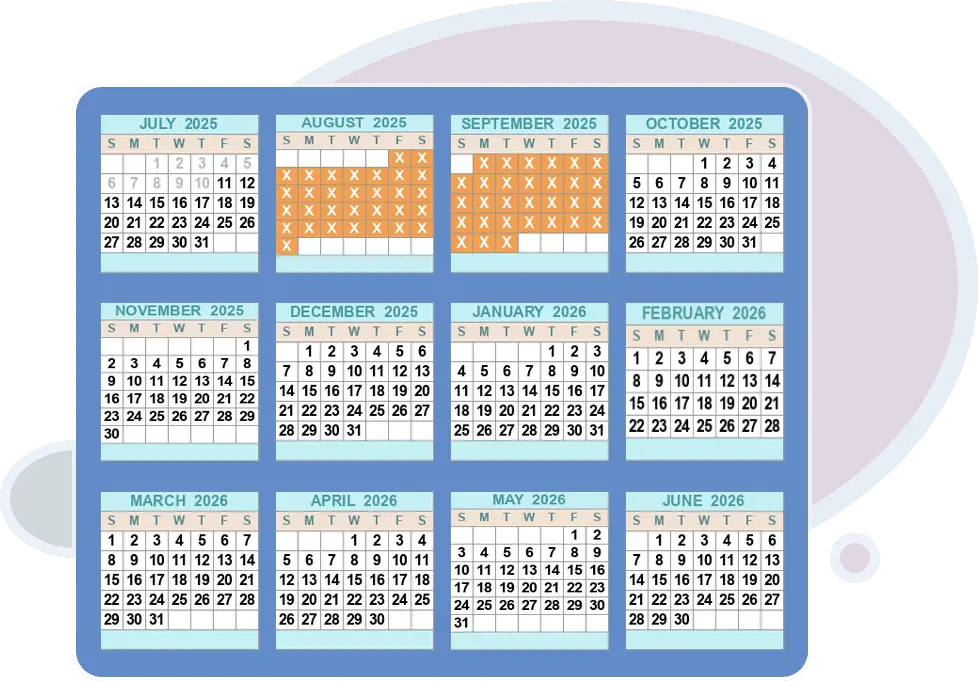
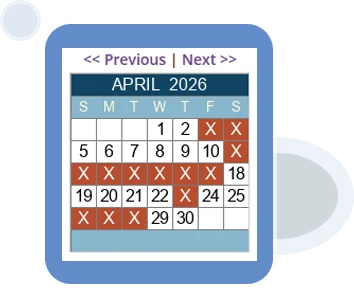
Monthly Calendar Option #2
Show a single monthly calendar on your web page(s) that allows guests to view more months using a simple ‘Next’ link. These calendars can show availability for a single room or your entire property.
Traditional Calendar
Our most commonly used display option shows the availability of all rooms in your account. Available for both Basic and Premium subscribers.
See a working two-week calendar example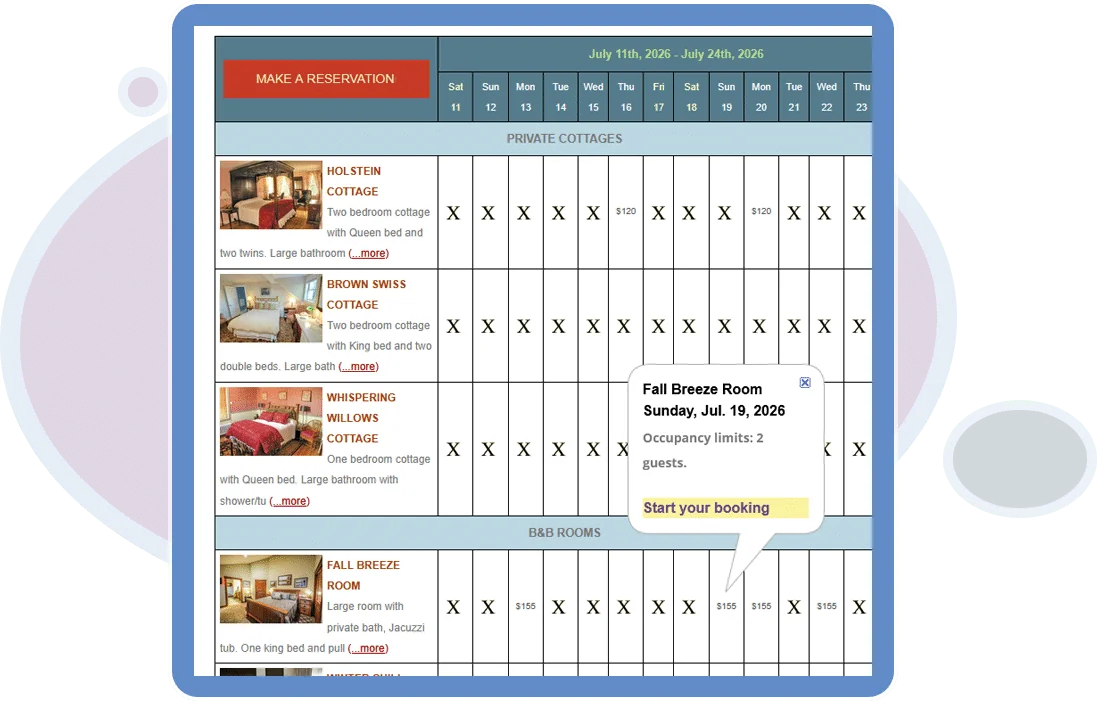
Show-Only Modes
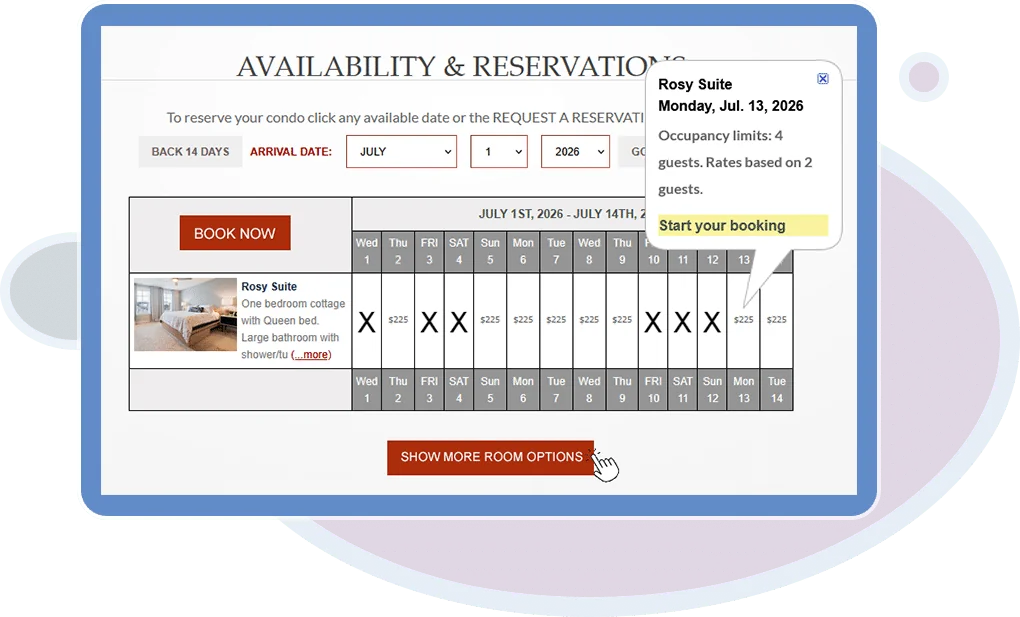
Show-Only display links can be used on your website for each of your rooms/units. Show-Only displays are typically used in conjunction with other availability displays. Available for Premium subscribers only.
See a working show-only example2-Week Calendar and Search & Display Combo
Using the Date Search Tool Bar, allow your guests to choose which type of availability they’d like to see. Your web designer can change the layout and colors of the Date Search Tool Bar. Available for both Basic and Premium subscribers.
See a working combo display example